A restaurant ad can introduce a dish from the menu, show people how to walk to your door, or ask them to book a table for tonight—but not all three at once. Picking a single objective and deleting the other two is what makes your budget convert.
When an ad asks for three different things, the viewer does none of them
It is all too common to tap on a local restaurant ad and find a paragraph trying to cover every base at once: it recaps the story of the menu, lists the nearest metro exit, asks you to follow the profile, and throws in both a booking link and a takeaway phone number. Someone glancing at that wall of text on their phone at noon cannot tell whether they are meant to browse the menu, open the map, or message on WhatsApp, so they simply scroll on.
Before drafting the copy to sit alongside your dish photo—the way we build campaigns for Barra Amelia or Rifugio—the manager and media buyer pick one single job for that campaign: introducing a menu dish, bringing in walk-ins from the neighbourhood, or filling bookings for a specific shift. The other two angles are left out completely.
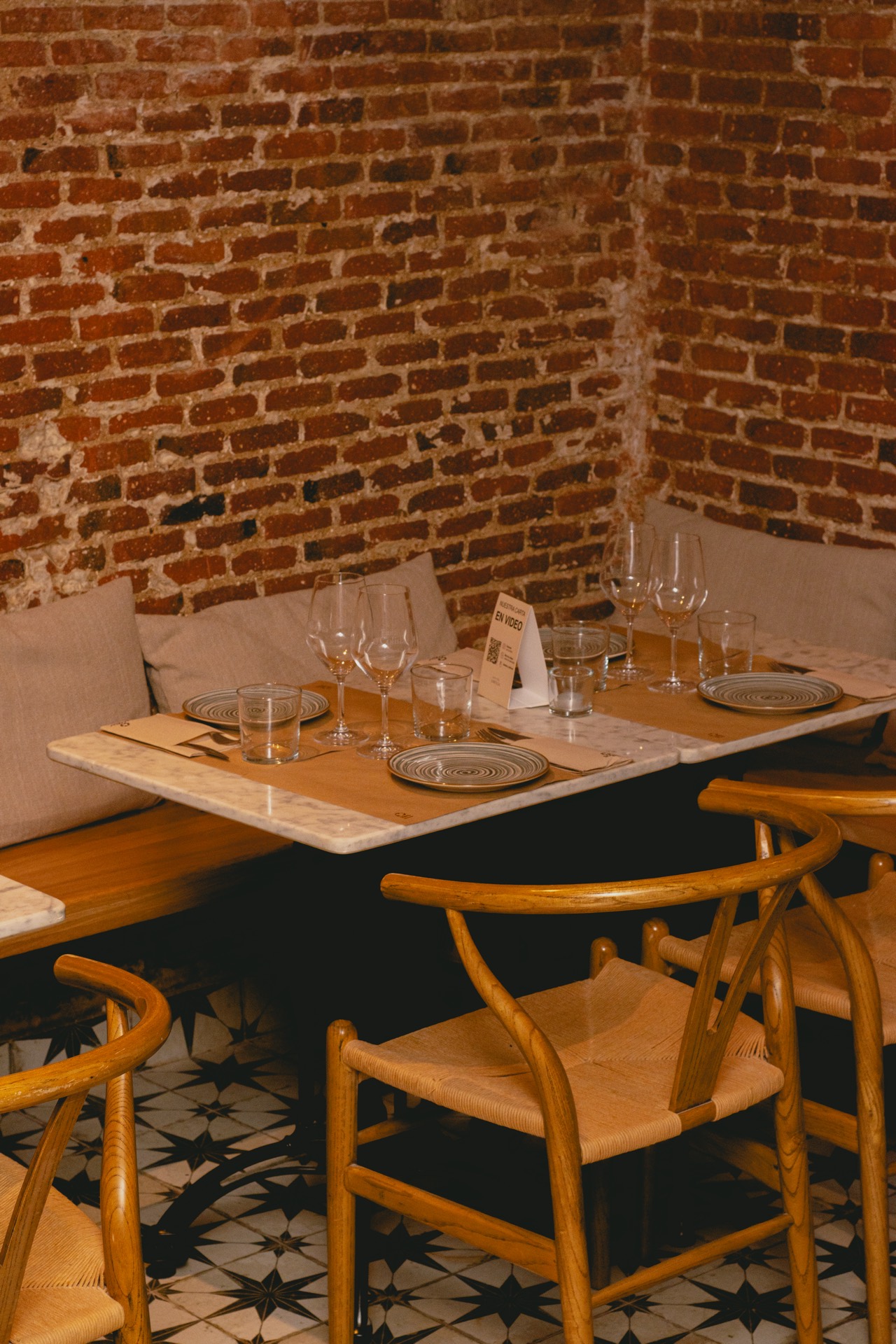
A post from Rifugio’s monthly social media content calendar.
Choosing between a menu ad, a local walk-in ad, and a booking ad
The right choice comes straight from how your floor operates in real life. If you run a café or counter-service bar that does not take table bookings and relies on foot traffic from the street, running a reservation objective makes zero sense: your ad should show the freshly plated dish, name your exact street, and make it effortless for people within a ten-minute walk to find your door.
Conversely, if you run a dining room where Wednesday and Thursday nights have open tables that need pre-booked covers, your thirty-five-word copy focuses strictly on the dish, the neighbourhood, and the direct button to WhatsApp or your booking page. Blending both messages inside one ad only drives up your cost per click and fills your inbox with muddled questions.
Drafting all three on paper so you can delete two before launching
A remarkably helpful habit before opening Ads Manager is writing out three separate thirty-word drafts for the same photograph: one focused purely on the dish, a second on walking distance in the neighbourhood, and a third on booking a table this week. Laying them side by side on the bar makes it immediately obvious to the owner which version matches what the till needs this week.
Once the winning angle is chosen, the other two get crossed out so nobody is tempted to stitch them together into one rambling paragraph. That is how we run social advertising at the studio: one real dish photographed in your kitchen, an honest local radius, and one unmistakable request to the reader.
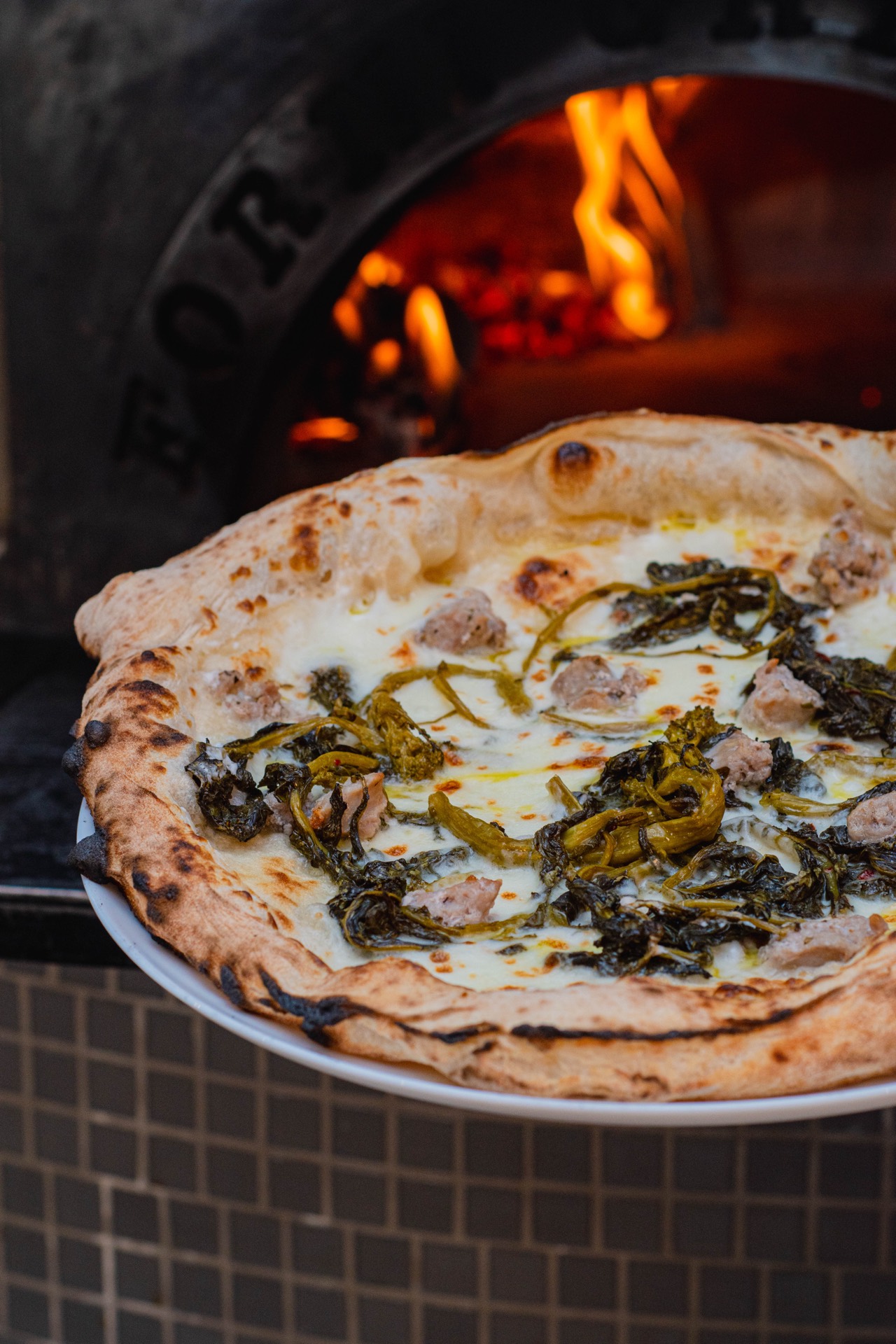
Shot right by the oven at Fame, ready for the Google listing, website, and weekly posts.
Worksheet for picking and isolating your ad’s single objective
Draft the three short angles before launching your campaign, pick the one that fits your floor rules, and delete the other two.
Restaurant, neighbourhood, and radius in kilometres for the ad set:
Exact menu dish shown in the chosen photo or video:
Does our floor take advance bookings for this shift? (yes / no, walk-ins only):
Draft A — Menu Objective (under 30 words so locals recognise the dish):
Draft B — Walk-in Route Objective (under 30 words naming the street and hours):
Draft C — Booking Objective (under 30 words pointing to WhatsApp/web, only if taking bookings):
Single objective selected for this campaign (A, B, or C — cross out the other two):
Single call-to-action button configured in Ads Manager to match the winning copy:
Onead oneobjective
One ad, one objective
If you want to run social ad campaigns for your restaurant with a clear objective and real dishes, write to us for a quote with no commitment.