Which file goes on the menu, on Google, and on the feed
A photo shoot loses half its value when eighty files sit in a folder with nobody deciding which frame opens the menu, which goes on Google, and which belongs on Instagram. Here is how we assign every shot a job.
Different crops for the table menu, Google Maps, and the Instagram grid
Not every photo of the same dish belongs in the same place, even when they come out of the same morning shoot. On the digital table menu, guests need to see the entire dish clearly on its real crockery so they know the portion size and presentation before ordering. On the Instagram grid or in stories, a tighter action frame showing a hand slicing the crust or lifting a spoonful works brilliantly, while Google Maps needs a mix of full plates alongside wider shots of the dining room and shopfront.
If you upload an artsy macro crop to your digital menu that only shows a corner of the sauce, guests sitting at the table still have to flag down a waiter to ask what the dish actually looks like. That is why, the moment a shoot folder lands, step one is sorting the files into three straightforward columns: Menu, Google, and Instagram.
With every delivery, Cristina sorts the files as part of our food photographer service backed by our hospitality experience; ask us for a no-commitment quote.
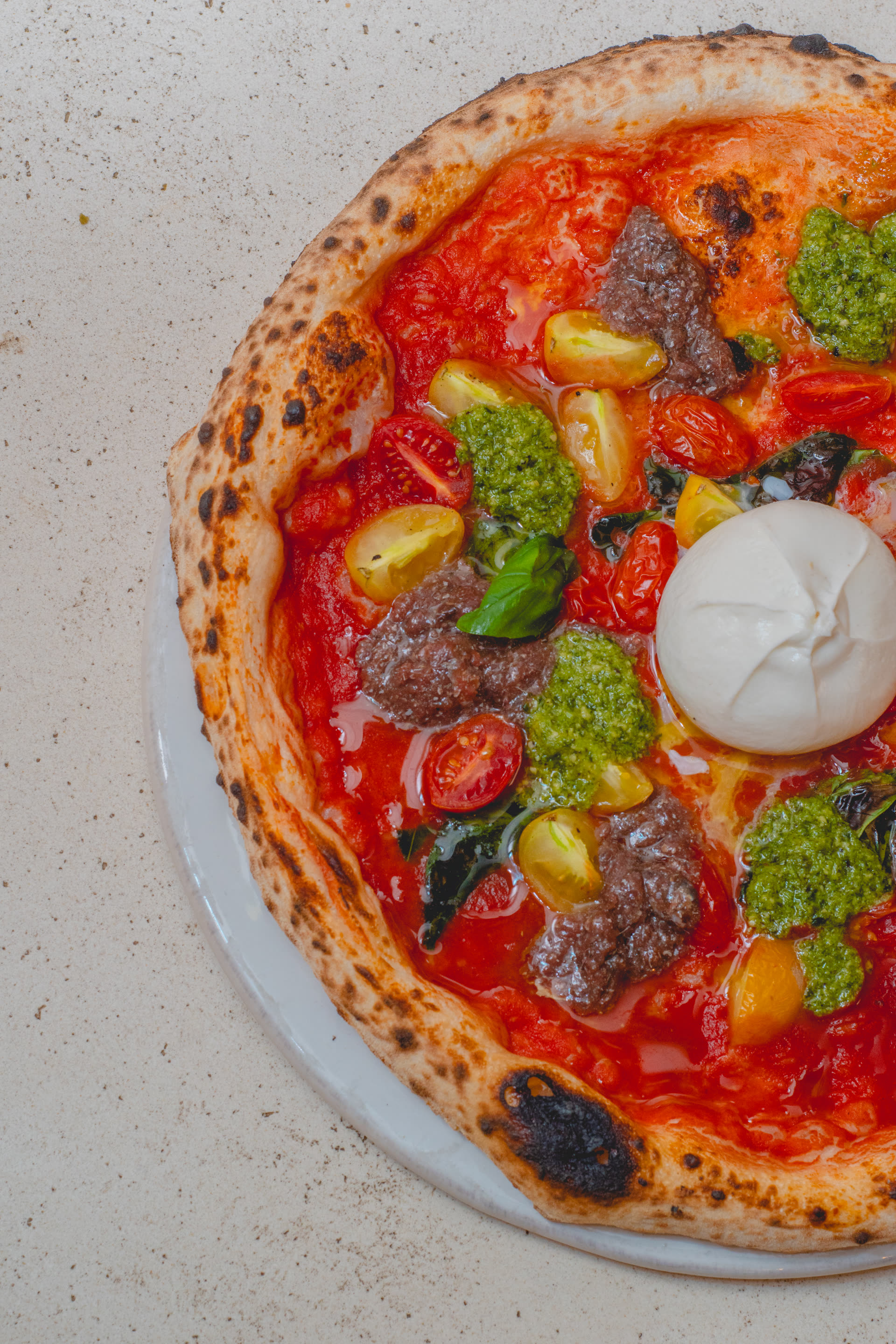
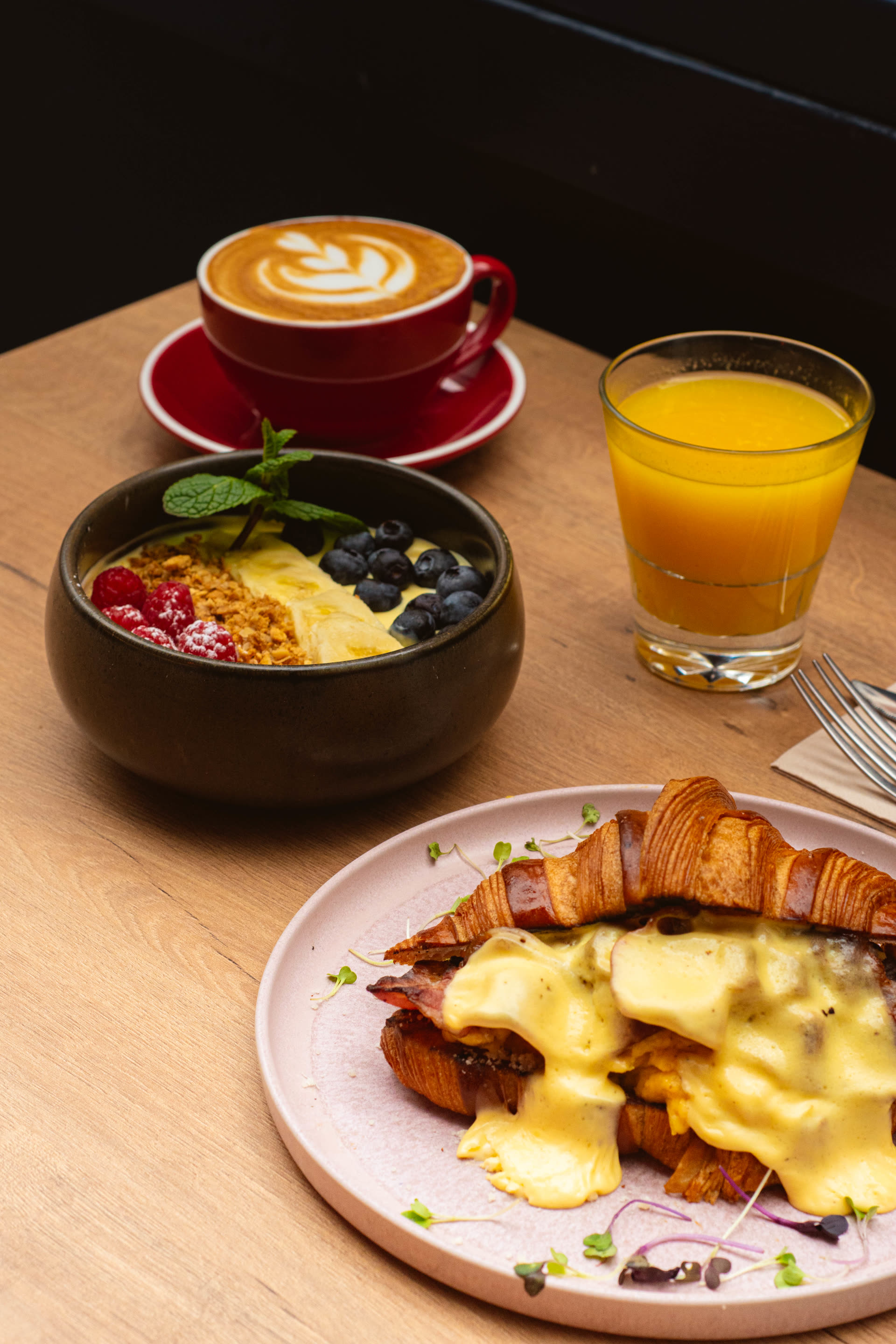
Tabletop shoot at Botequim, built to supply both the menu and the monthly social calendar.
Which files can work across two channels and which stay in one lane
There is only one type of photograph that can comfortably live on the menu, on Google, and on your grid at the same time: the frame showing the finished dish in full on the restaurant's real table, like the pizzas at Rifugio or tabletop breakfasts at Botequim. That single angle answers both what the dish is and how it arrives on the floor. Every other frame—hands at the pass, knife cuts, pours, or bar corners—should be assigned to one specific channel so you never bore guests by repeating the exact same shot everywhere.
If you use a tool like Gemini to help sort a folder of thirty or forty files before planning the month, feed it the list of filenames alongside what is visible in each frame and your live menu items. You get back a clean table where every hero dish has its menu photo locked in and Carlota has four weeks of varied social posts ready to schedule.
Delivering the shoot sorted and ready to publish from day one
The reason so many restaurant photo shoots gather dust on a hard drive is that the owner gets sent a link with a hundred numbered files on a busy Friday afternoon and never has two spare hours to sort and crop them. When Cristina shoots at a venue, she delivers the curated selection already cropped to the exact aspect ratios each platform requires, stripping out duplicates or any frame that falls short of the kitchen's real plating standard.
Within the same week of delivery, we upload the hero shots to the venue's Google Business Profile, refresh the dish photos on the digital menu, and schedule the opening weeks on Instagram. The manager only needs five minutes on their phone to confirm each photo sits next to the right dish name on the menu, and the shoot starts earning its keep before the first weekend arrives.
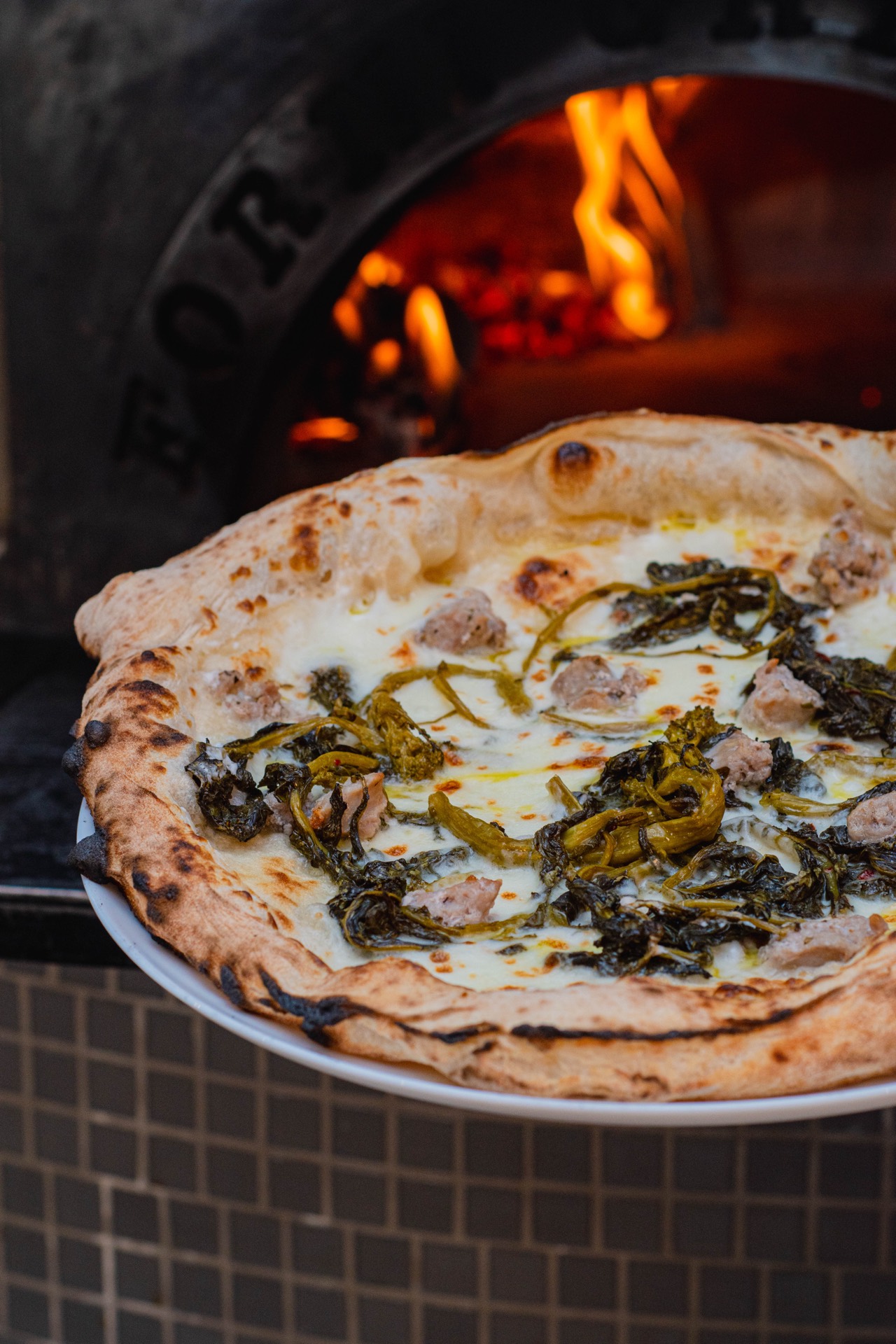
Shot right by the oven at Fame, ready for the Google listing, website, and weekly posts.
File allocation sheet across Menu, Google, and Instagram
Copy this table when your shoot folder arrives so every image is assigned to the right channel before going live.
Restaurant and photo shoot date:
Total current menu dishes covered in the folder:
Column 1 — Digital Menu files (full dish on real crockery, fast-loading web size):
Column 2 — Google Business Profile files (5 full dishes + 3 room/terrace + 2 shopfront):
Column 3 — Instagram Grid files (4:5 vertical crop, alternating plates and room shots):
Column 4 — 9:16 Vertical files for Stories and Reel covers (pass action and close-ups):
Set-aside files (dishes already rotated off the menu or unclear angles):
Check that every dish name matches its photo on the live digital menu:
Date the new photos go live on Google Maps and the table QR menu:
Menu,Google andthefeed
Which file goes on the menu, on Google, and on the feed
If you want to run a shoot and receive every photo sorted for your menu, Google profile, and Instagram, message us on WhatsApp.