At the top of your restaurant's Instagram grid, the pinned post needs just four clear lines: the opening hours copied from your door sign and the single way to book a table. Everything else is clutter in that top slot.
What a hungry guest looks for in the first five seconds on your grid
When someone hears about your restaurant from a friend or spots a reel and taps through to your Instagram profile, they do not scroll back three months down the grid: their eyes go straight to your story highlights and the first pinned post in the top-left corner. If that pinned slot is still holding an expired giveaway from last autumn, a Christmas greeting in the middle of May, or a one-off dish the kitchen stopped serving weeks ago, the guest has to dig around just to find out if you are open tonight.
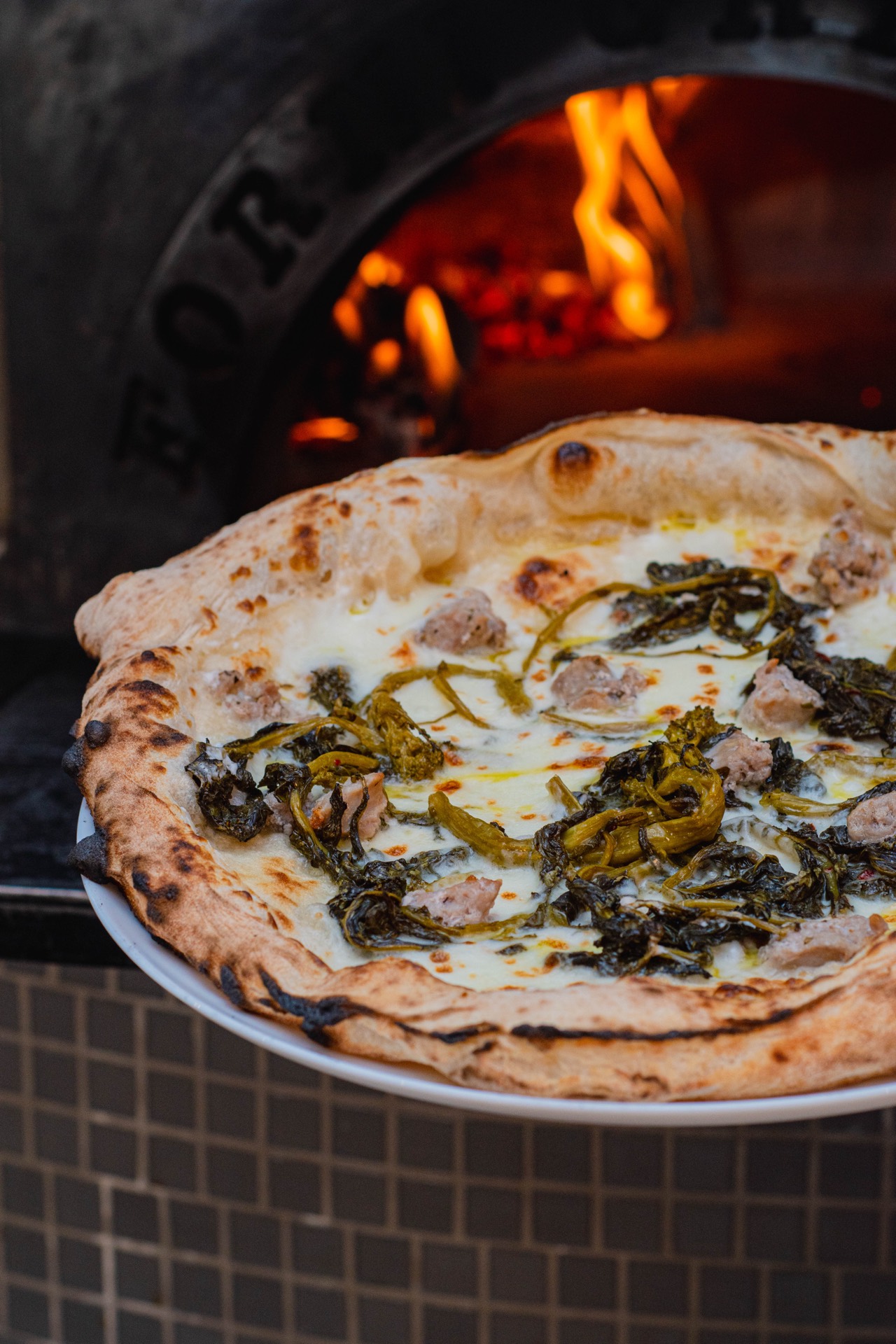
That is why, across accounts like Fame, Botequim, and Rifugio, we treat the pinned post as the front door sign inside Instagram. The image is a real, inviting photograph of your signature dish or sunlit dining room shot by Cristina, and the caption skips long introductions altogether: it runs to just four clean lines where the first three copy the live opening hours and the fourth states how to book.
If you want us to tidy up your profile and run your weekly calendar so you never have to wrestle with captions, Carlota leads our social media management for restaurants; ask us for a no-commitment quote.
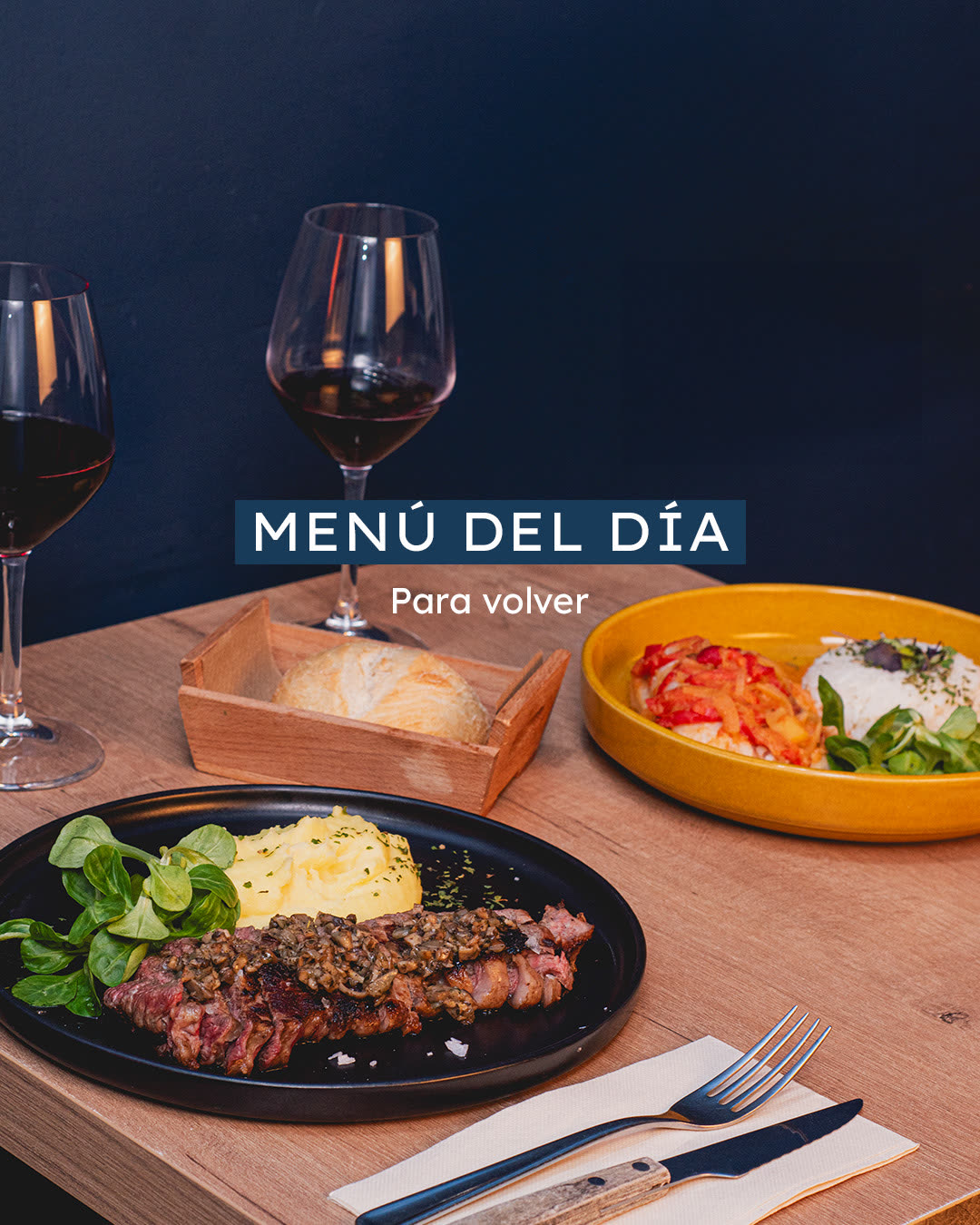
A feed post for Botequim where typography and colour frame a real photo from the venue.
Four clean lines and one single way to book a table
To write your pinned post without overcomplicating it, stand in front of your venue's indoor schedule sign and distil it into three lines: weekday kitchen hours, weekend hours, and your weekly closing day. Leave daily specials and temporary promotions out of this caption, because the moment that special ends next week your main pinned post becomes out of date.
On the fourth line, give guests one single way to book that matches how your floor team actually works: either your booking WhatsApp number, the restaurant landline, or a prompt to tap the booking link in the bio. If you list three different methods at once, half your guests will send Instagram DMs at half past two during the lunch rush when nobody behind the bar can check them.
Keeping the pinned post in lockstep with five core highlights
Your pinned post works hand in hand with the story highlight bubbles sitting right above the grid. Rather than letting fifteen clutter-filled bubbles pile up with truncated titles ('Events 2023', 'Press', 'Good Vibes'), trim your highlights down to four or five essentials whose titles stay under twelve characters: 'Hours', 'Menu', 'Book', 'Find Us', and—if you have one open—'Terrace'.
Whenever your kitchen shifts from summer to winter hours or adjusts a weekday service, Carlota updates the 'Hours' highlight and replaces the pinned post within the same fifteen minutes. Never leave outdated hours pinned at the top 'just for a few days', because a guest checking your profile on a Sunday morning trusts whatever is pinned to the top of your grid.
And if you need clean highlight covers and a recognisable visual system across your grid, Cristina and Carlota handle branding and visual identity with a no-commitment quote.
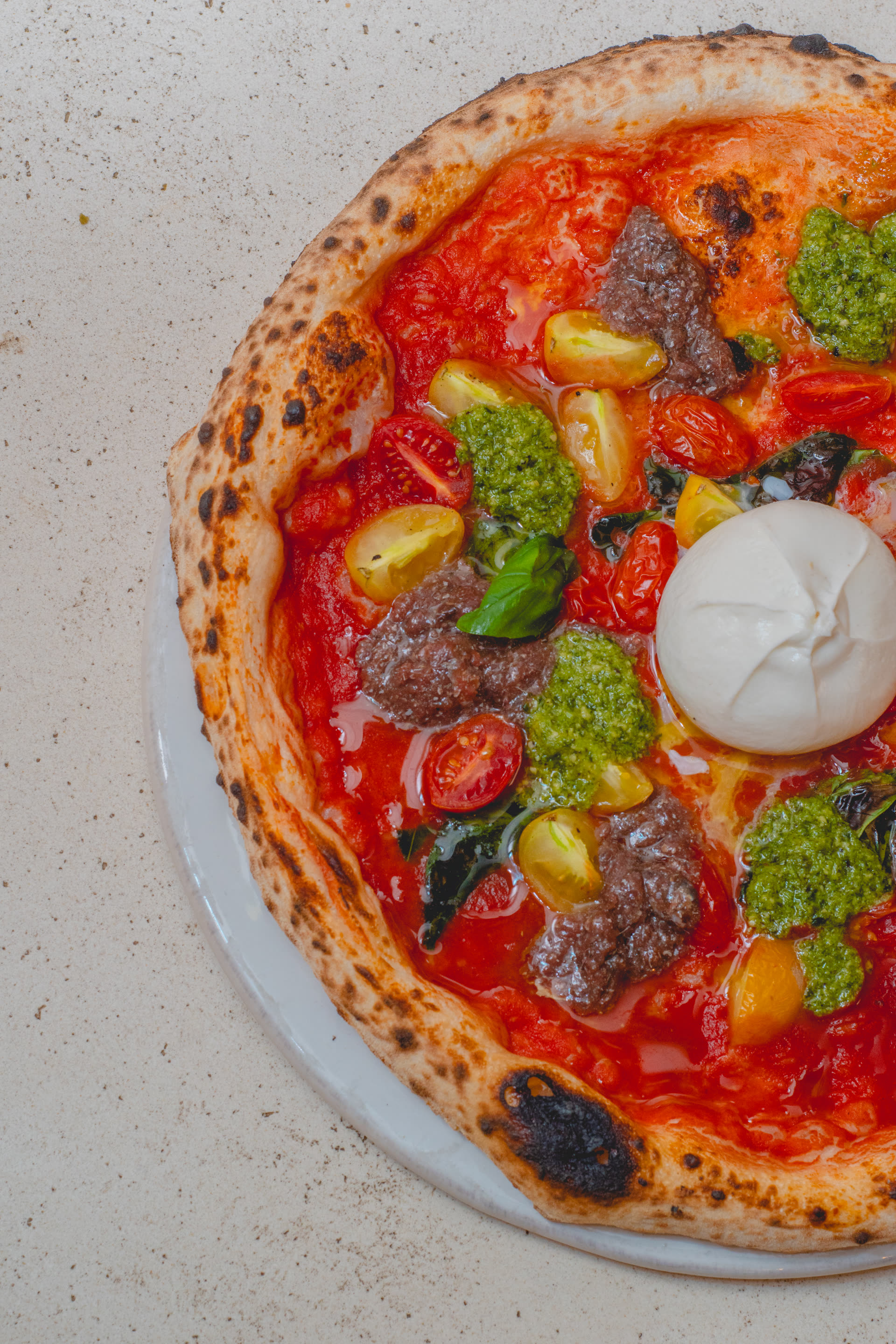
Food photography at Rifugio using the dining room’s real crockery and ambient light.
Worksheet for your 4-line pinned post and profile highlights
Copy this layout into your notes to tidy up your restaurant's Instagram highlights and pinned post today.
Venue: [name of restaurant, bar, or café]
PROFILE HIGHLIGHTS (max 12 characters per title, 1 clear line per cover):
1. Hours: [copy exact schedule from the indoor sign]
2. Menu: [core dishes or direct link to current live menu]
3. Book: [single channel: WhatsApp / phone / link in bio]
4. Find Us: [street, number, and neighbourhood — only if address is public]
PINNED GRID POST (strictly 4 lines, no fluff or seasonal promos):
Line 1: [Weekday opening and kitchen hours]
Line 2: [Weekend opening and kitchen hours]
Line 3: [Weekly closing day or dark shifts]
Line 4: [Bookings via WhatsApp on X / Direct booking link in bio]
Thepost thatstayspinned
The post that stays pinned
If you want your Instagram profile, highlights, and pinned posts organised so profile visits turn into table bookings, message us on WhatsApp.