Before a bank holiday weekend, the question that decides the most bookings is which days you are open and when the kitchen closes. Here is how to post your holiday hours line by line to save phone calls mid-service.
One day per line with the real hours for the room and the kitchen
When a bank holiday weekend arrives in Madrid or up in the hills, guests change their routines and look for somewhere to eat on a holiday Thursday or a Monday when you would normally be shut. If your post simply says 'we are open for the long weekend' without listing each day, the restaurant phone starts ringing at two in the afternoon when nobody can answer it. The clearest way to announce it is a vertical list where every day of the break gets its own line with opening and closing times.
That list should never be written by copying a normal weekend schedule without checking with management and the head chef first. If on the bank holiday Monday you only serve lunch and close in the evening so the crew can rest, write that plainly on Monday's line. It also helps to separate the venue's opening hours from the time the kitchen stops taking orders, so nobody walks in at half past four expecting the full menu.
So your guests always know when to book, Carlota handles social media for restaurants backed by our hospitality experience; ask us for a no-commitment quote.
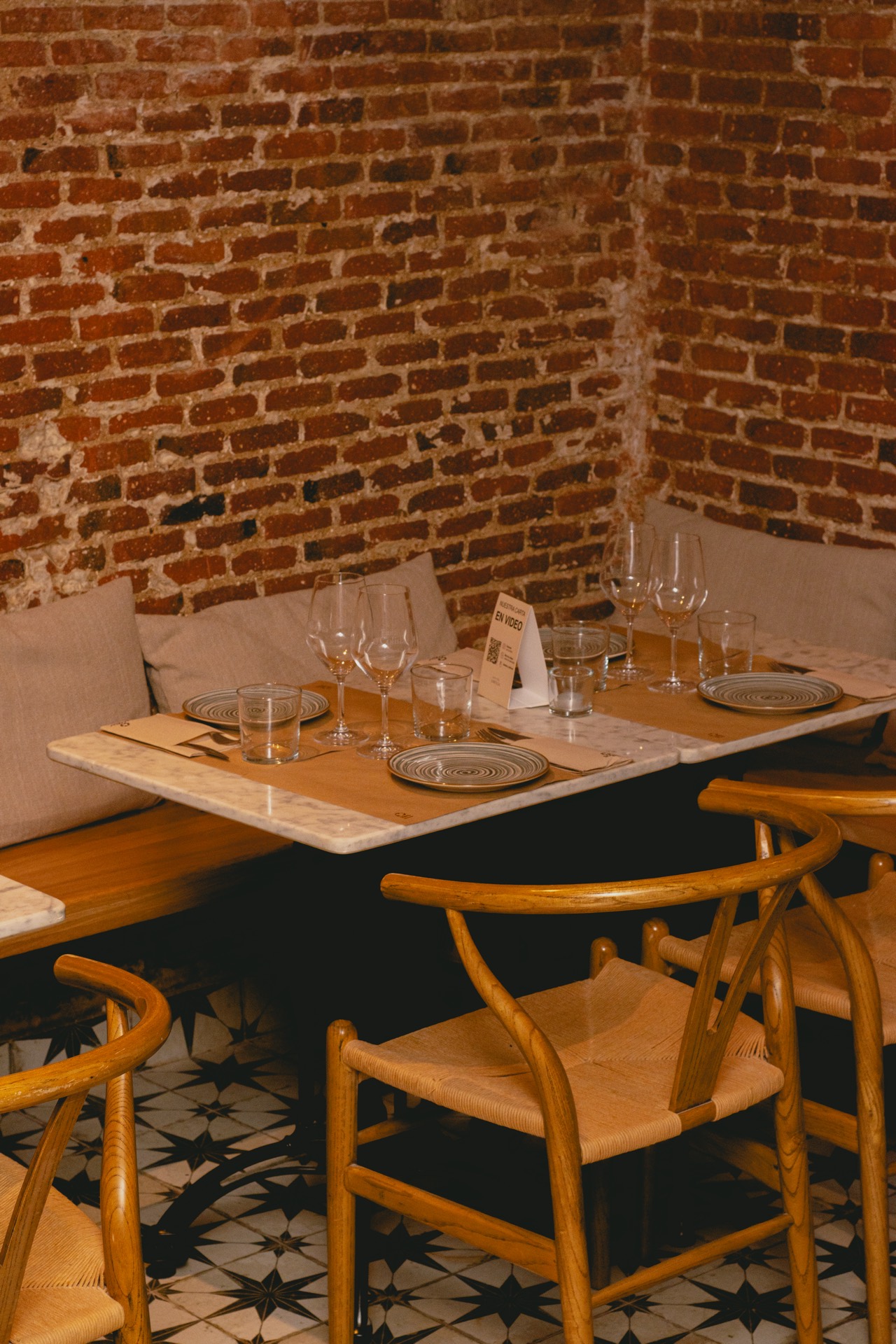
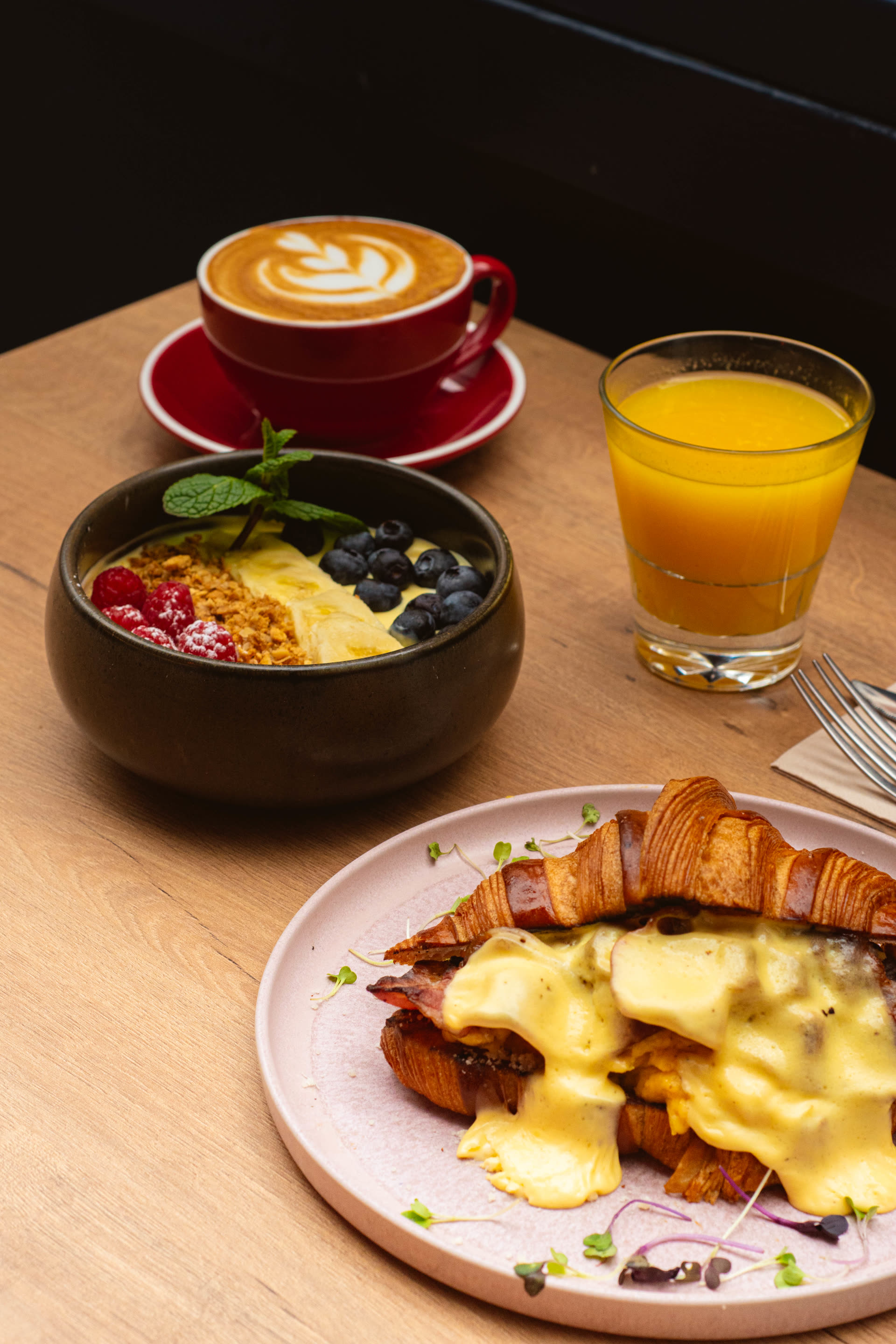
Tabletop shoot at Botequim, built to supply both the menu and the monthly social calendar.
Noting changes to the terrace or menu and matching every channel
In many bars and restaurants, a public holiday or wet forecast brings changes beyond the front door: the terrace might stay closed, the weekday set lunch might be off, or only the bar might be running while the dining room rests. Those specifics belong in the same notice so guests know exactly what to expect before they set off. Explaining it clearly ahead of time prevents awkward conversations at the door and brings in people happy with what you are serving.
Once the manager signs off the schedule, whoever runs your accounts posts the exact same hours in three places at once: a feed post or carousel like we build for Tropicalista, a story saved to highlights, and the special hours section on your Google Business Profile. All three must match to the minute, because if Instagram says you are open Sunday night while Google shows closed, guests hesitate and book elsewhere.
Closing the notice with one straightforward way to book
A holiday hours notice falls short if it does not tell the reader how to lock in a table right then and there. Over long weekends people decide quickly in family or friend groups, and making them hunt for a phone number on another page costs you half those enquiries. The final line of the caption should name the one channel your team actually checks fast: the booking link in your bio, WhatsApp, or the landline before service starts.
For accounts like Barra Amelia or Botequim, we schedule the long-weekend notice on the Tuesday or Wednesday morning before the break, as soon as staff rotas are locked. The floor manager checks a screenshot on their phone before it goes live and confirms who will reply to incoming messages over the holiday. With that simple preparation in place, the weekend fills up with well-informed guests and the team works in peace.
If you need clear opening-hour cards for stories and the feed, Cristina and Carlota design them through our restaurant graphic design service with a no-commitment quote.
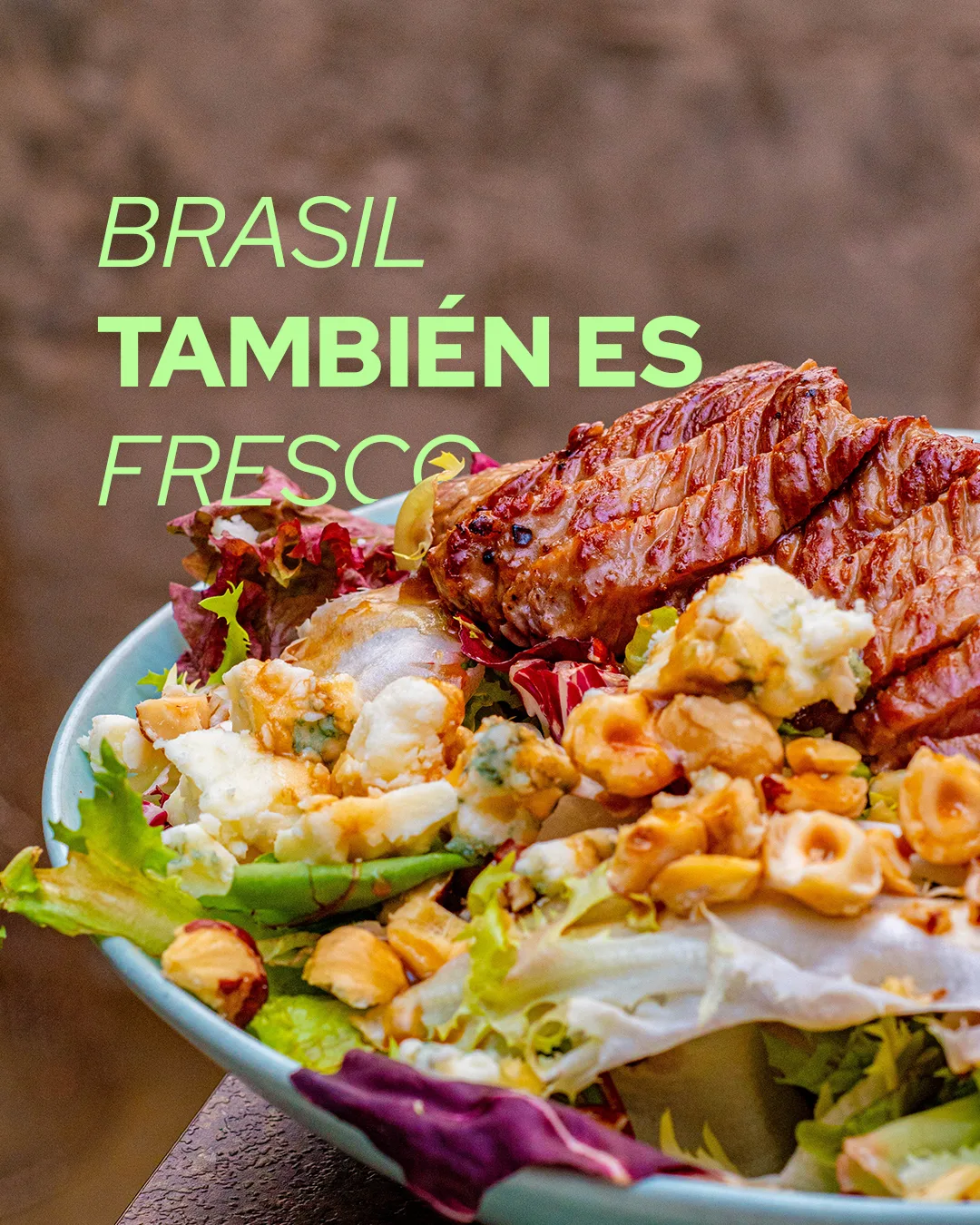
A 4:5 carousel cover for Tropicalista designed to read at a glance on a phone screen.
Holiday and long-weekend hours notice template
Copy this layout, fill it in with the manager on the Tuesday before the break, and use it on Instagram and Google.
Venue name and long-weekend dates:
Thursday (venue hours and last kitchen orders):
Friday (venue hours and last kitchen orders):
Saturday (venue hours and last kitchen orders):
Sunday (venue hours and last kitchen orders):
Monday (specify if lunch only or closed for staff rest):
Areas or services that change (terrace closed / no weekday set menu / full menu only):
Single booking channel (link in bio / WhatsApp / landline):
Team member updating special hours on Google Business Profile:
Thedaysof thelongweekend
The days of the long weekend
If you want your social channels and opening-hour updates handled every week without taking time away from the floor, message us on WhatsApp.