A paragraph will never fit inside an Instagram Highlight circle: all you need is a one-word title, a clean cover, and your opening hours inside copied word for word from the sign on your door.
Keep Highlight titles to a single word so the screen never truncates them
When a guest lands on your Instagram profile on their phone, the row of Story Highlights works like the navigation bar of a compact website. The classic mistake is typing long titles like ‘Our Winter Opening Hours’ that get chopped down to ‘Our Wint…’ on screen, or cramming the tiny circular cover with a dense paragraph nobody can read.
So it reads at a glance, the manager or designer sets up four or five Highlights with titles under twelve characters: ‘Hours’, ‘Menu’, ‘Bookings’, ‘Location’ and ‘Terrace’ or ‘The Space’. For the circle cover, use a clean photo from your dining room or a simple title card of four words or fewer in your venue’s own typography and colours, the way we build systems for Botequim and Tropicalista.
If your Story Highlights are cluttered or still show old hours, Carlota keeps them sharp as part of our social media for restaurants service. Ask us for a no-commitment quote.
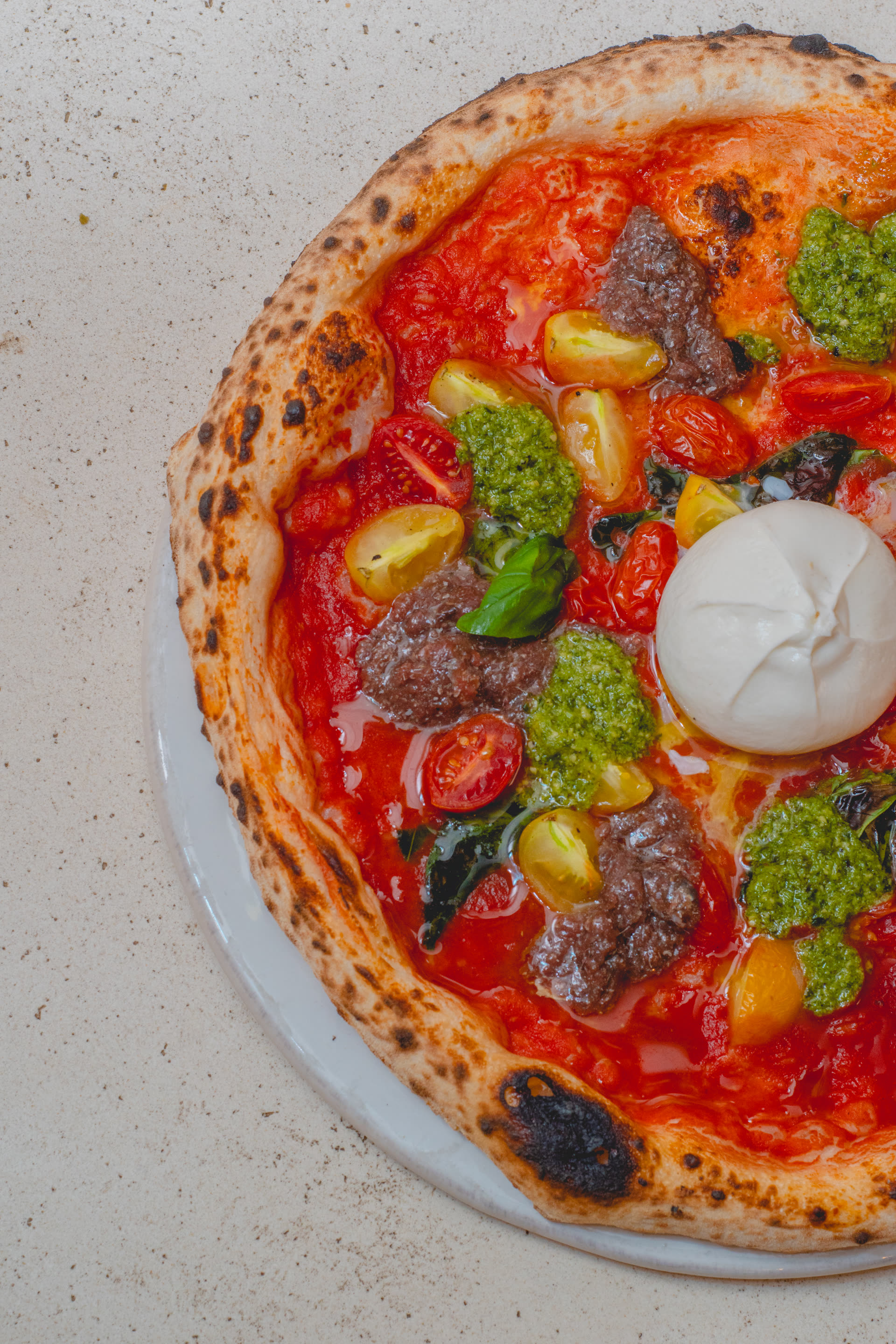
Feed design for Botequim keeping a recognisable visual system week after week.
Inside the Highlight, copy your opening hours straight from the door sign
When someone taps your ‘Hours’ Highlight, they do not want to tap through ten old video clips from eight months ago just to find a blurry screenshot at the end. They want one clean vertical card in large, high-contrast type listing your open days and real kitchen and bar shifts exactly as they appear on your front door.
Carlota follows one strict rule whenever setting up an account: never guess a shift from memory. If the kitchen closes at 4:00 pm while the bar stays open for coffee or drinks until 6:00 pm, state both lines clearly; if bank holiday hours are not confirmed yet, check with the kitchen before uploading the slide.
Back up the Highlight with a four-line pinned post at the top of your grid
Plenty of visitors skip the Highlight circles altogether and look straight at the top row of your photo grid. If your three pinned posts are expired giveaways or posters from last year, those guests still leave without knowing when you are open or how to book a table.
Dedicate one of your three pinned grid slots to a practical post featuring a strong photo of a signature dish or your doorway. Keep the caption to four clean lines: open days and kitchen hours, street and neighbourhood, and the exact way to book (bio link, phone or WhatsApp). Whenever summer or winter hours change, update the Highlight card, the pinned post and your Google listing on the same morning.
To design Highlight covers and pinned posts using your room’s real typography and colours, Cristina and Carlota handle it through our restaurant graphic design service with no commitment.
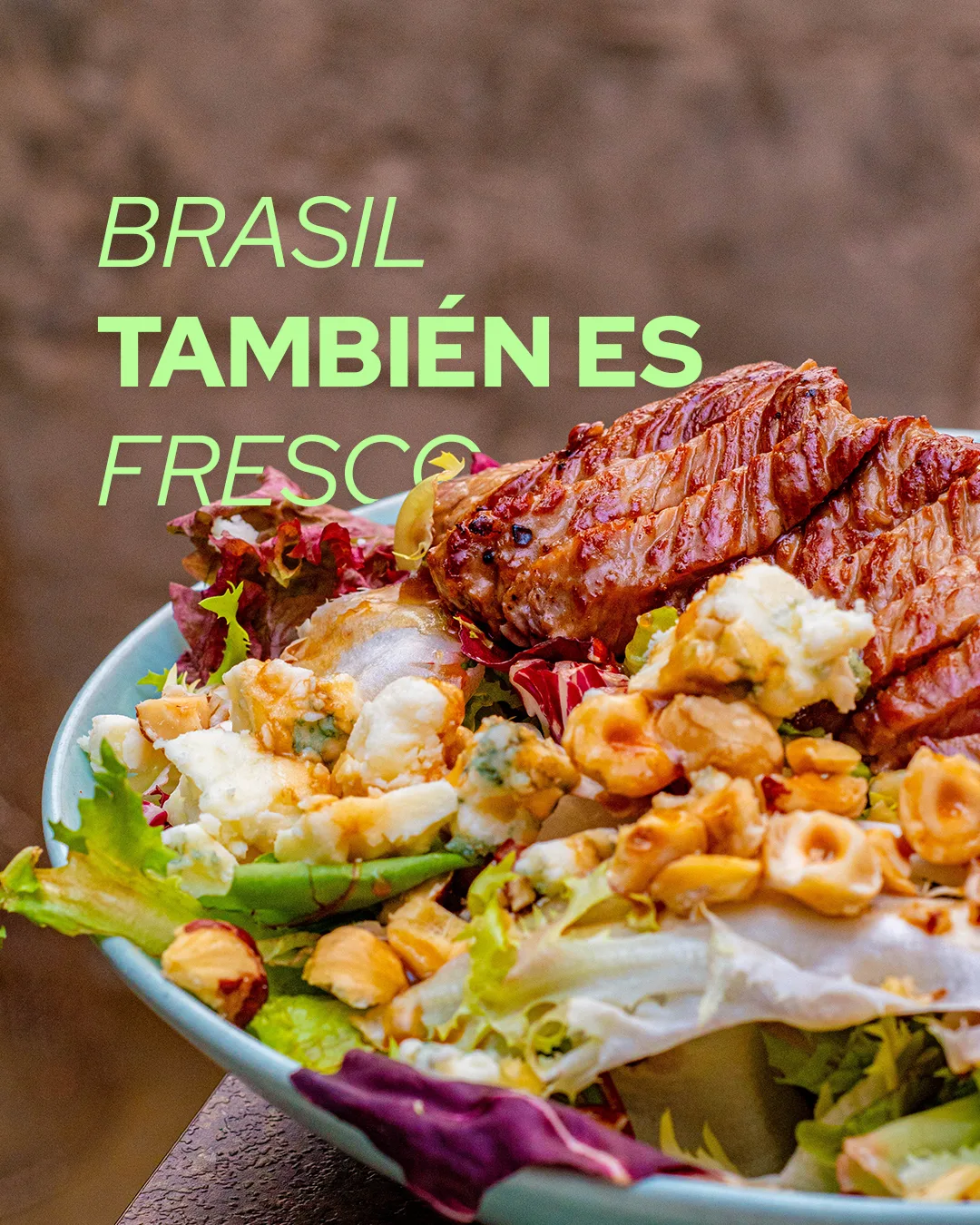
A 4:5 carousel cover for Tropicalista designed to read at a glance on a phone screen.
Worksheet to tidy your Story Highlights and pinned hours post
Copy this sheet into your notes to clean up your profile Highlights and pinned grid post in ten minutes.
STORY HIGHLIGHTS & PINNED HOURS WORKSHEET
Venue name and street address (if included on the slide):
The 5 Highlights in order (max 12 characters per title):
1. Hours (cover max 4 words / inside: exact hours copied from the door sign):
2. Menu (clean cover / inside: core dishes and link to the live digital menu):
3. Bookings (clean cover / inside: how to book via WhatsApp, web link or phone):
4. Location (clean cover / inside: street, nearest metro stop or parking tip):
5. Space or Terrace (clean cover / inside: 3 real photos of the room and terrace):
4-line caption for the pinned grid post (Hours + Street + How to book):
Confirmed the exact same hours are live on Google Maps today (Yes / No):
Fourwordson thehourscover
Four words on the hours cover
Message us on WhatsApp if you want us to tidy up your restaurant’s Story Highlights, covers and pinned posts.