A caption can read well and still describe last winter’s garnish; before publishing to Instagram or Facebook, take one minute to check the photo against today’s exact menu line.
Cross-check every ingredient in the caption against what is visible on the plate
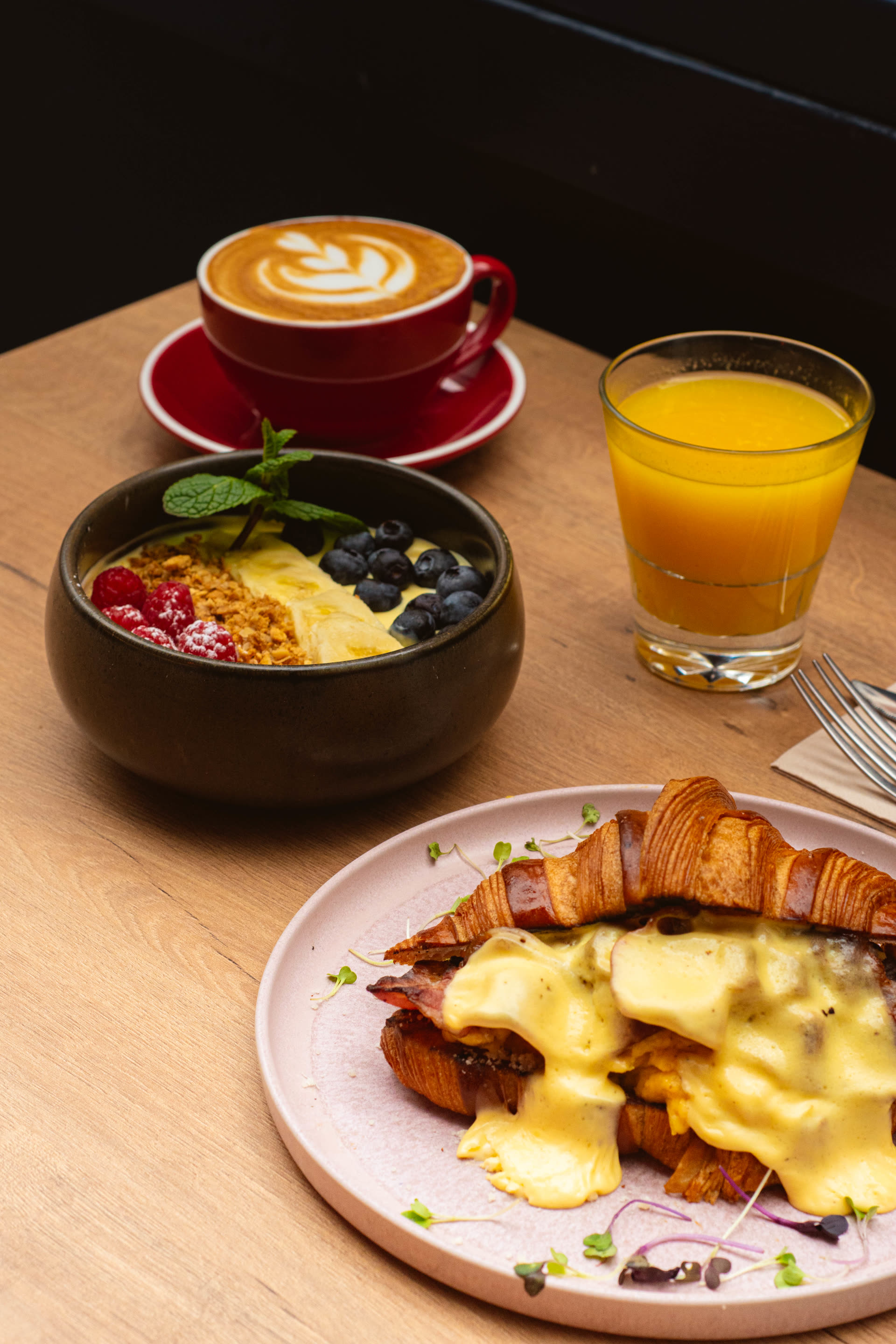
One of the most common slips when scheduling a restaurant’s social media happens when someone pulls a great archive shot—like a tabletop breakfast at Botequim or a plated dish at Barra Amelia—and writes the caption from memory or an old menu, naming a garnish the kitchen dropped weeks ago. The guest who walks in specifically ordering that dish feels let down the moment the plate lands on the table.
Before hitting publish or locking a post into your scheduler, run a two-step check with your live menu open in front of you: first, make sure every food word in your draft is either printed on today’s menu line or clearly visible in the photo; second, confirm the portion and side dish in the picture still leave the pass that way this week.
In our social media for restaurants service, Carlota checks every caption against your live menu before scheduling the month. Ask us for a no-commitment quote.
A feed post for Botequim where typography and colour frame a real photo from the venue.
Run the check as a strict filter rather than rewriting with fluff
If you use a checklist or an AI review prompt on your computer to proofread the week’s drafts, use it strictly as a fact-checker, never to rewrite your copy with flowery adjectives. Paste in the exact line from your current menu alongside your draft caption and check for any mismatch in the dish title, sauce, sides or allergens.
Whenever a question comes up—say, whether the bread or cheese on that plate changed supplier this month—never fudge the wording with a vague phrase just to get the post out. Hold the post and send a quick note to the kitchen. Delaying a post by two hours is always better than publishing inaccurate details on your grid.
Who gives the final sign-off between the kitchen and the phone
In a venue where specials rotate or prices adjust mid-season, checking the week’s posts takes ten minutes when done together. Whoever manages social media prepares the week’s batch with each photo paired to its caption, and the head chef or floor manager scans it on their phone before service starts.
That quick two-pair-of-eyes habit stops out-of-season dishes, old opening hours or terrace promises on cold days from slipping onto the feed. When every word on Instagram matches what the waiter says at the table, your profile supports the floor instead of creating awkward apologies.
If your photos are out of date after a plating change, Cristina refreshes your venue’s image bank through our food photographer service. Get in touch for a no-commitment quote.
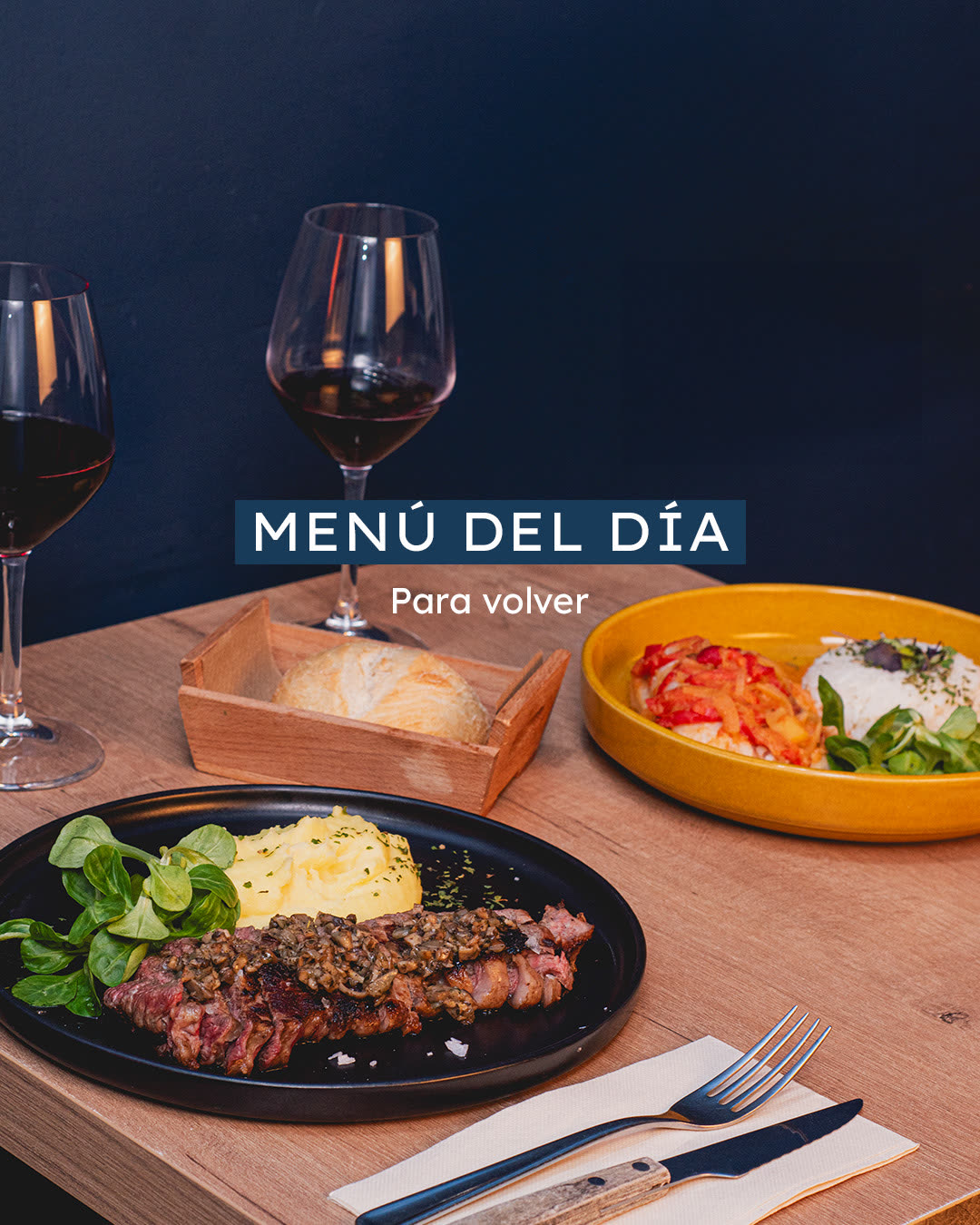
On-location shot at the pass in Barra Amelia, captured with the exact plating served in the dining room.
Pre-publish photo and menu verification checklist
Copy these 8 lines into your notes to verify any food post in under a minute before it goes live.
PRE-PUBLISH CHECKLIST (PHOTO VS. LIVE MENU)
1. Dish name in the draft caption (identical word for word to today’s menu):
2. Exact live menu line pasted for reference:
3. Is every ingredient named in the draft either on today’s menu or visible in frame? (Yes / No)
4. Does the plating and garnish in the photo still leave the pass the same way? (Yes / No)
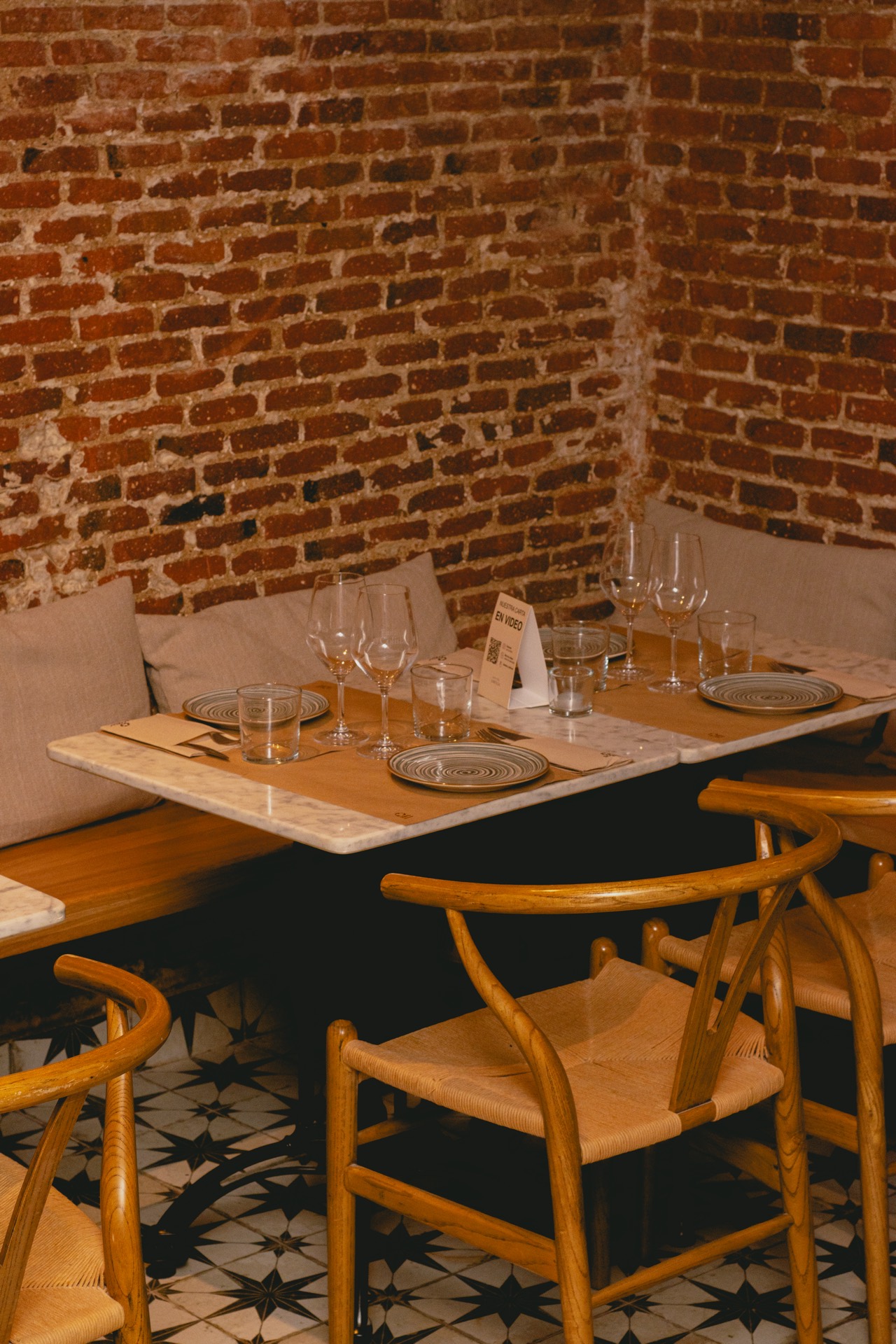
5. Do the crockery and table setting match the venue where the dish is served? (Yes / No)
6. Has any unconfirmed price, allergen claim or opening hour crept into the copy? (Yes / No)
7. Closing call to action (booking link in bio / WhatsApp / which sitting to visit):
8. Final verdict after kitchen check (Publish today / Hold and amend):
Photoandmenu beforeyoupost
Before you post, the photo and the menu
Message us on WhatsApp if you want us to run your restaurant’s posts checking every single dish against your live menu and kitchen.