A digital menu that works on the floor (not just on the QR)
A digital menu truly works on the floor when a guest can find the dish, the price, and the allergens with one thumb in ten seconds without pinching to zoom. Here is why a heavy PDF slows down orders and how to fix it.
Why an A4 print PDF behind a QR code slows down table turns
Many restaurants linked their table QR code to the exact same A4 PDF file they sent to the printer years ago and never looked at it again. In practice, when four guests sit down on a busy Saturday afternoon in a dining room with patchy phone reception, that fifteen-megabyte file takes ages to load and forces everyone to turn their phones sideways and pinch to zoom. While the table wrestles with their screens just to find the drinks list, the waiter makes two wasted trips because nobody is ready to order.
You can test this yourself during your next shift: hand the QR to a regular guest and watch how many taps it takes them to read the starters and prices without your help. If they have to zoom in on tiny type, ask what is in a dish, or request a printed menu because the page hangs, that digital menu is costing you table turns and dessert or coffee sales. A menu built for phones reads vertically from top to bottom in clear type and loads in a blink even on weak mobile data.
If your current QR opens a slow or awkward file, Cristina and Carlota build your digital menu for restaurants drawing on our hospitality experience; ask us for a no-commitment quote.
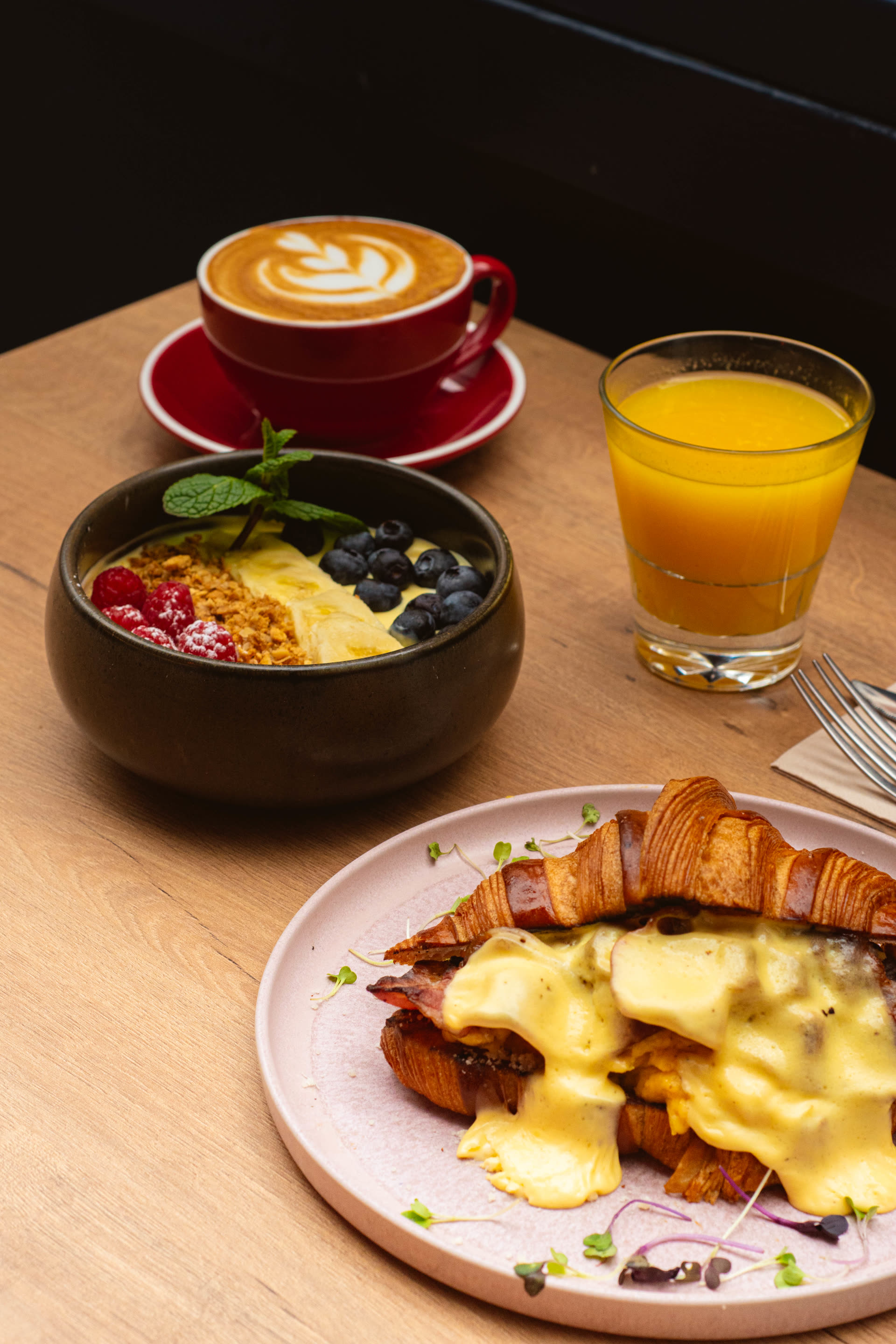
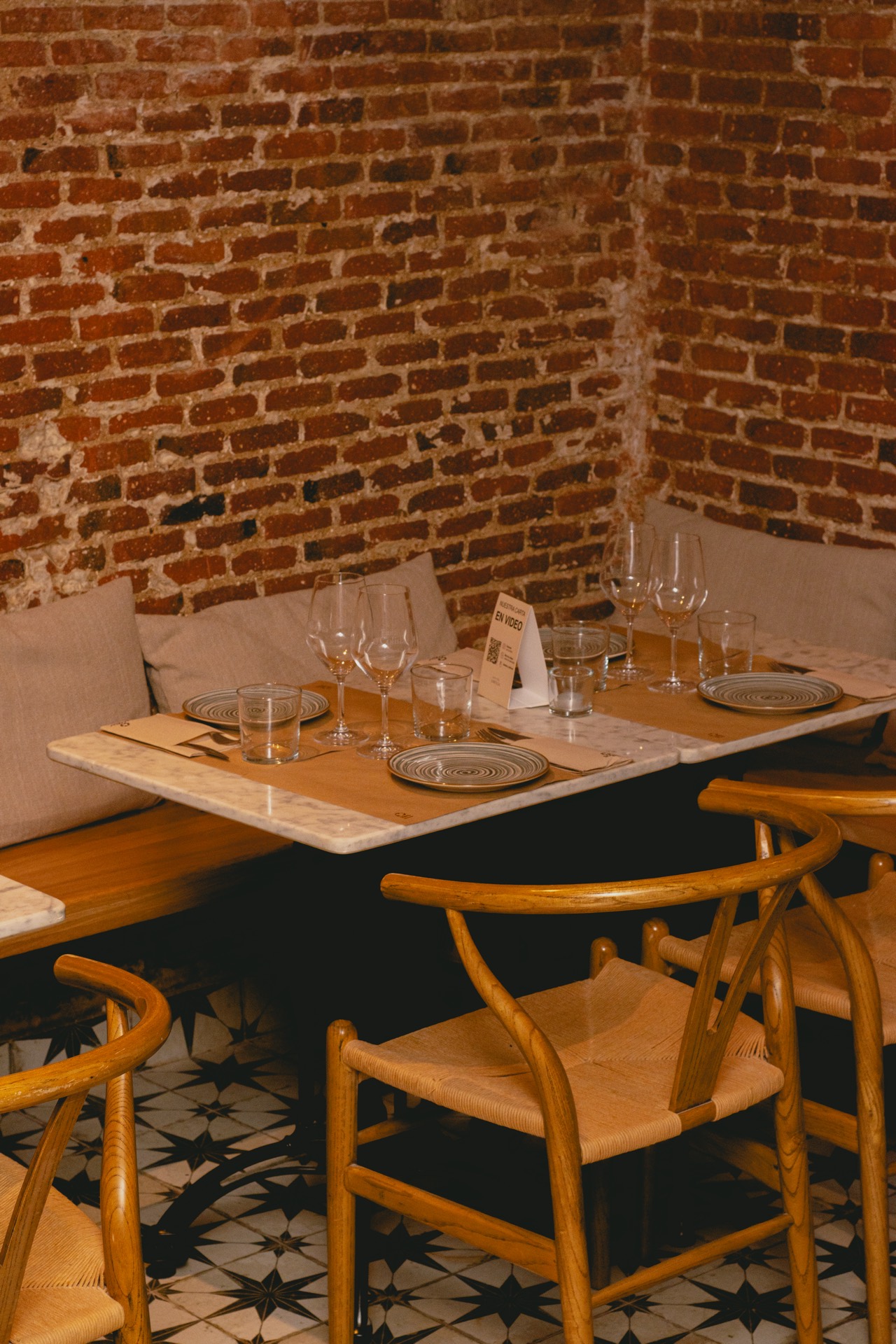
Tabletop shoot at Botequim, built to supply both the menu and the monthly social calendar.
Structuring categories, prices, and allergens for one-thumb browsing
For a digital menu to genuinely help the floor team, the top of the screen needs clear category tabs that jump straight to Starters, Mains, Desserts, and Drinks. Inside each section, the dish name, short description, price, and allergen icons belong together on the same card—never buried in a tiny legal footnote at the bottom of the page. That lets a coeliac guest or someone with a nut allergy choose safely in seconds without flagging down the manager mid-rush.
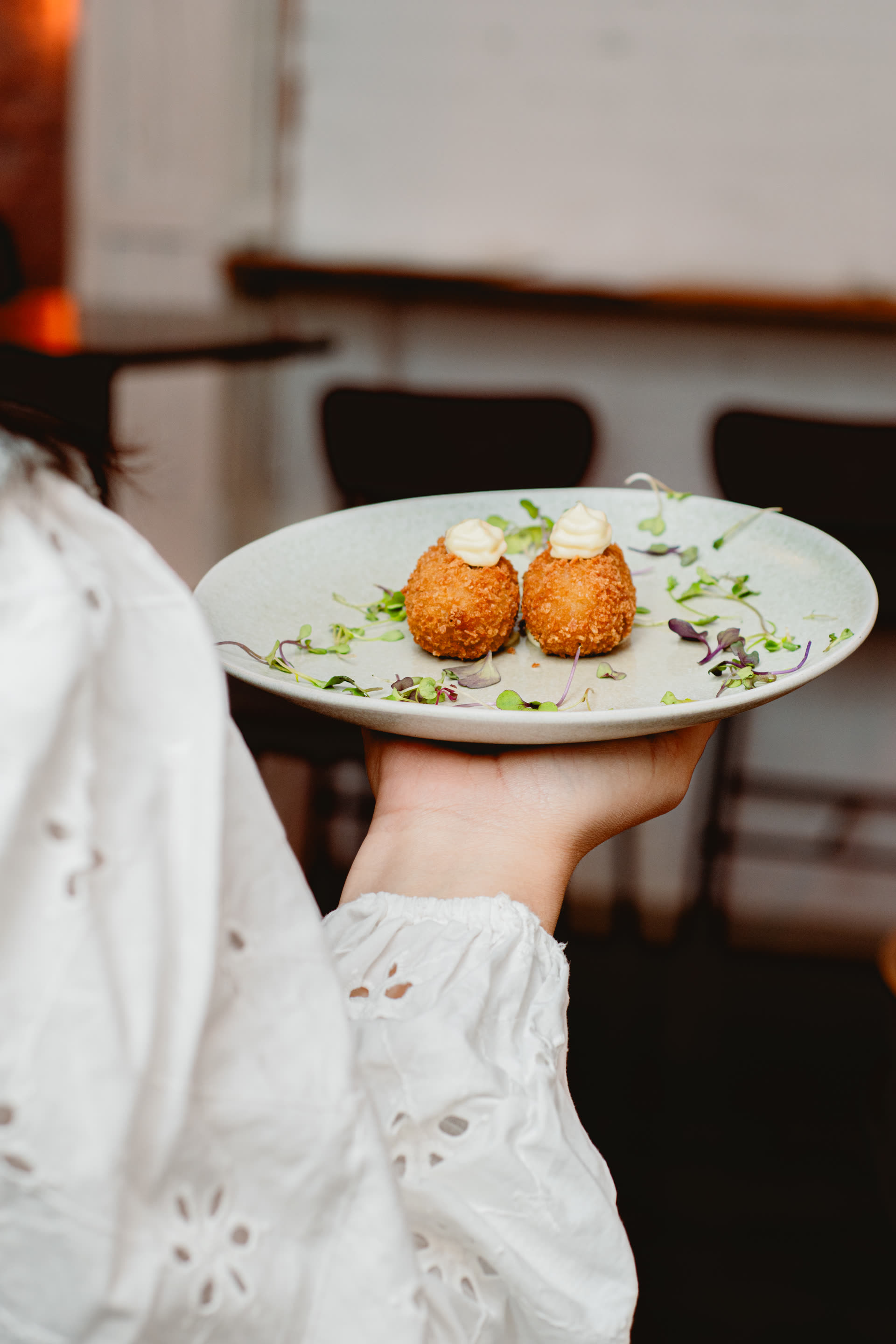
Whenever we add food photography or short clips to a menu, as we do with shoots from Botequim or Barra Amelia, every image file is compressed so it weighs next to nothing and pops up in under a second. Seeing the real plating of a house dessert or a sharing dish lifts orders on your best-margin items without the waiter having to pitch them table by table. The golden rule is only showing photos shot in your own venue on your real crockery.
Keeping the same live menu across the dining room, Instagram, and Google
The other huge win of a proper web menu over a static PDF is how quick it is to update a price or hide a sold-out dish without reprinting a single table sticker. The physical QR code on the table stays untouched while the manager—or our studio—updates the daily special or seasonal change in two minutes before doors open. That stops guests ordering a dish at three o'clock on Sunday that ran out on Friday night.
That exact same fast link behind the table QR also goes into the menu field on your Google Business Profile and the bio link on your Instagram account. Whether someone is checking where to book from their sofa or already sitting on your terrace, they read the exact same dishes and prices. It prevents awkward surprises when the bill arrives and shows the care of a well-run dining room.
If you also welcome international guests and need your dishes translated properly, we build your multi-language restaurant menu with a no-commitment quote.
On-location shot at the pass in Barra Amelia, captured with the exact plating served in the dining room.
Dining-room checklist for testing your digital menu
Sit at the table with the weakest mobile signal in your dining room, scan your current QR code, and check these points.
Restaurant and date of the table test:
Seconds the menu takes to load on mobile data (Wi-Fi off):
Can you read the text vertically with one thumb without pinching to zoom?:
Taps required to jump to Drinks, Starters, and Desserts:
Does every dish show its current price and allergen icons right next to it?:
Sold-out or out-of-season dishes still showing on the page today:
Do the photos load fast and show the venue's real plating and crockery?:
Is the QR URL the exact same link used on Google and Instagram?:
Team member responsible for flagging dish or price updates before service:
OnaSaturday,atareal table,askaguesttofind
A digital menu that works on the floor (not just on the QR)
If you want to swap your old PDF for a fast digital menu with real photos of your dishes, message us on WhatsApp.